Skip to Content
KLOUD Support Clips Channel

KLOUD Support Clips Channel

Quick help for you to self-resolve frequently asked questions.
Last Update 24/11/2026
Members 1
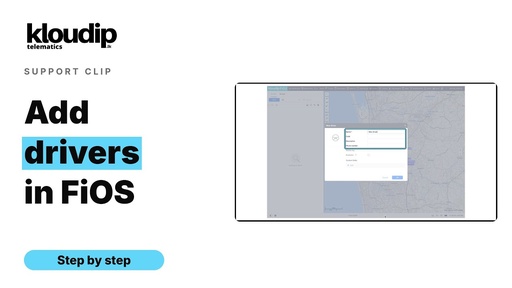
FiOS: How to add drivers?
Link drivers to vehicles for driver reports.
FiOS
View all
New Content
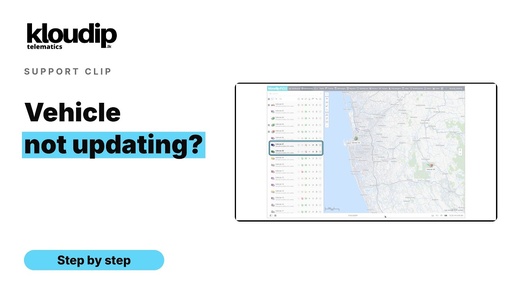
FiOS: My vehicle is not updating. What should I check?
Preview
First checks when a vehicle shows old data or is offline.
New Content
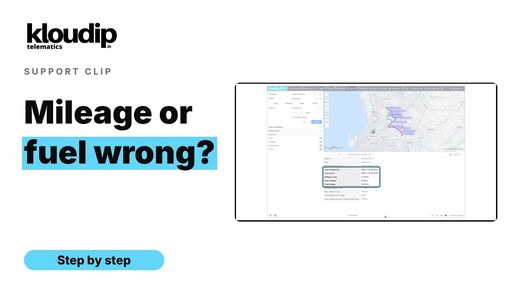
FiOS: Mileage, fuel or sensor value looks wrong
Preview
What to check before raising a ticket.
New Content
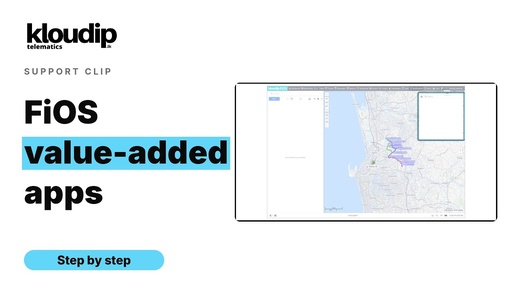
FiOS: Value-added apps (CIRCUMSPECTOR and HEED)
Preview
Driver behaviour and vehicle maintenance apps for FiOS.
New Content
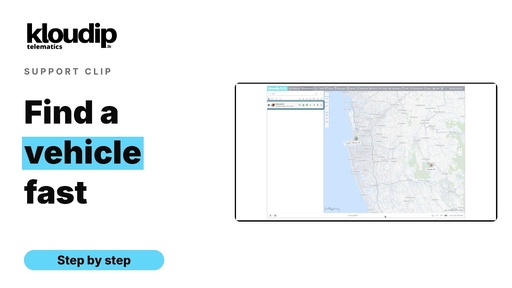
FiOS: How to find a vehicle, geofence or driver fast?
Preview
Use the search box instead of scrolling.
New Content
FiOS: How to add another user or give limited access?
Preview
Users and access rights for your team.
New Content
FiOS: What do the vehicle status icons mean?
Preview
Read the moving, stopped, ignition and connection indicators.
New Content
FiOS: How to set up an alert (notification)?
Preview
Get told about overspeed, geofence entry/exit, ignition and more.
New Content
FiOS: How to get reports by email automatically?
Preview
Have daily, weekly or monthly reports sent to your inbox.
New Content
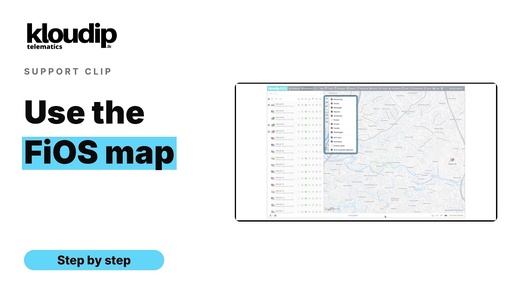
FiOS: How to use the map?
Preview
Zoom, move, choose what the map shows, and make it bigger.
New Content
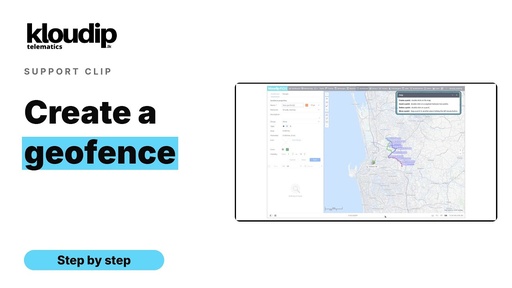
FiOS: How to create a geofence?
Preview
Mark a site, customer or no-go area on the map.

Default channel for slides, all public users can access the content of this channel.