Skip to Content
KLOUD Support Clips Channel

KLOUD Support Clips Channel

Quick help for you to self-resolve frequently asked questions.
Last Update 24/11/2026
Members 1
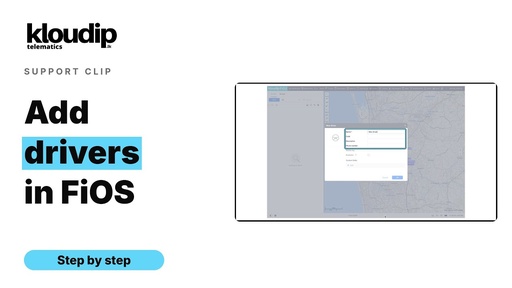
FiOS: How to add drivers?
Link drivers to vehicles for driver reports.
FiOS
View all
New Content
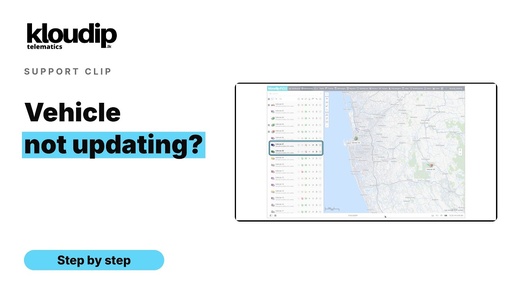
FiOS: My vehicle is not updating. What should I check?
Preview
First checks when a vehicle shows old data or is offline.
New Content
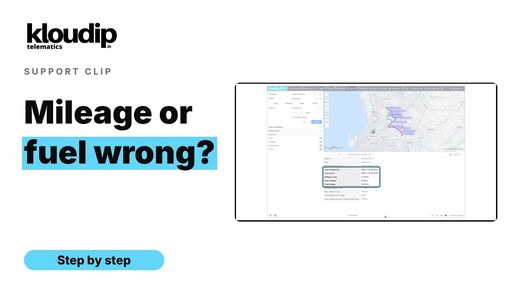
FiOS: Mileage, fuel or sensor value looks wrong
Preview
What to check before raising a ticket.
New Content
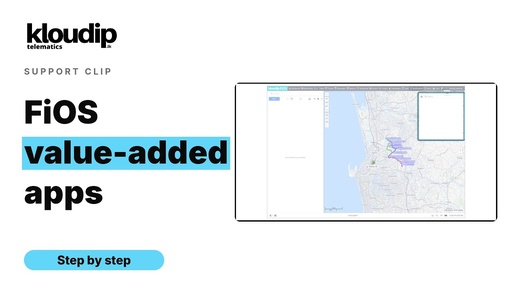
FiOS: Value-added apps (CIRCUMSPECTOR and HEED)
Preview
Driver behaviour and vehicle maintenance apps for FiOS.
New Content
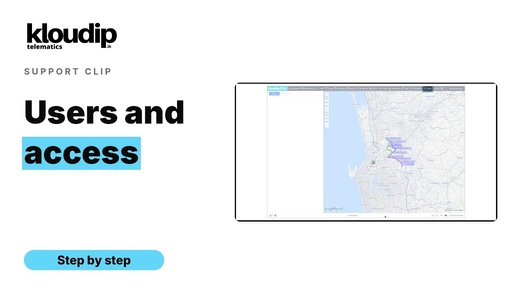
FiOS: How to add another user or give limited access?
Preview
Users and access rights for your team.
New Content
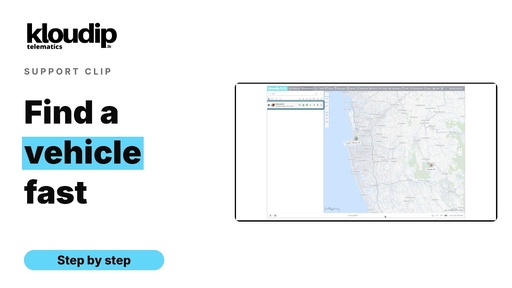
FiOS: How to find a vehicle, geofence or driver fast?
Preview
Use the search box instead of scrolling.
New Content
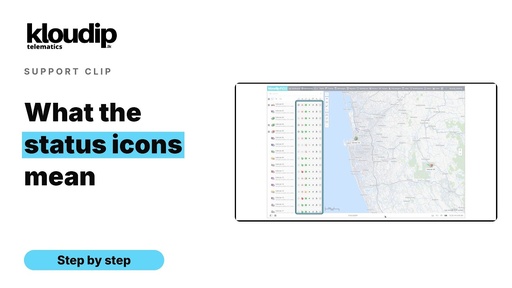
FiOS: What do the vehicle status icons mean?
Preview
Read the moving, stopped, ignition and connection indicators.
New Content
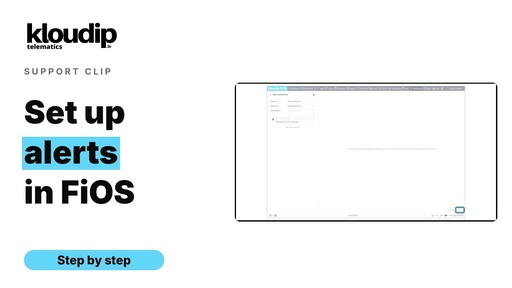
FiOS: How to set up an alert (notification)?
Preview
Get told about overspeed, geofence entry/exit, ignition and more.
New Content
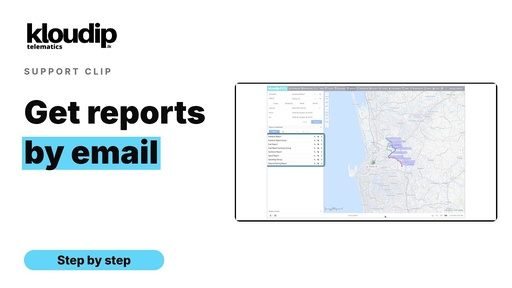
FiOS: How to get reports by email automatically?
Preview
Have daily, weekly or monthly reports sent to your inbox.
New Content
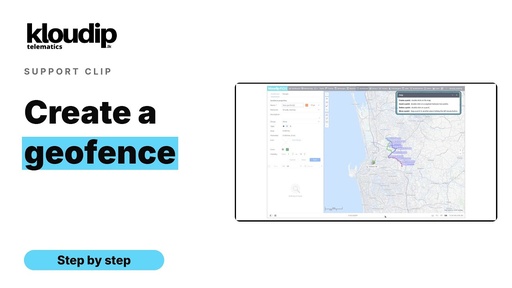
FiOS: How to create a geofence?
Preview
Mark a site, customer or no-go area on the map.
New Content
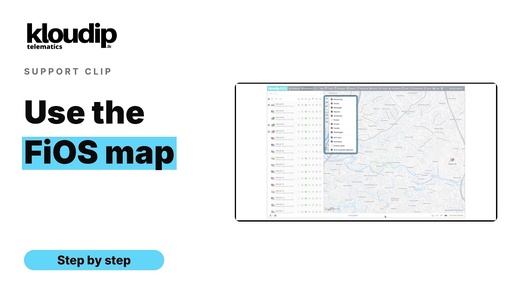
FiOS: How to use the map?
Preview
Zoom, move, choose what the map shows, and make it bigger.

Default channel for slides, all public users can access the content of this channel.